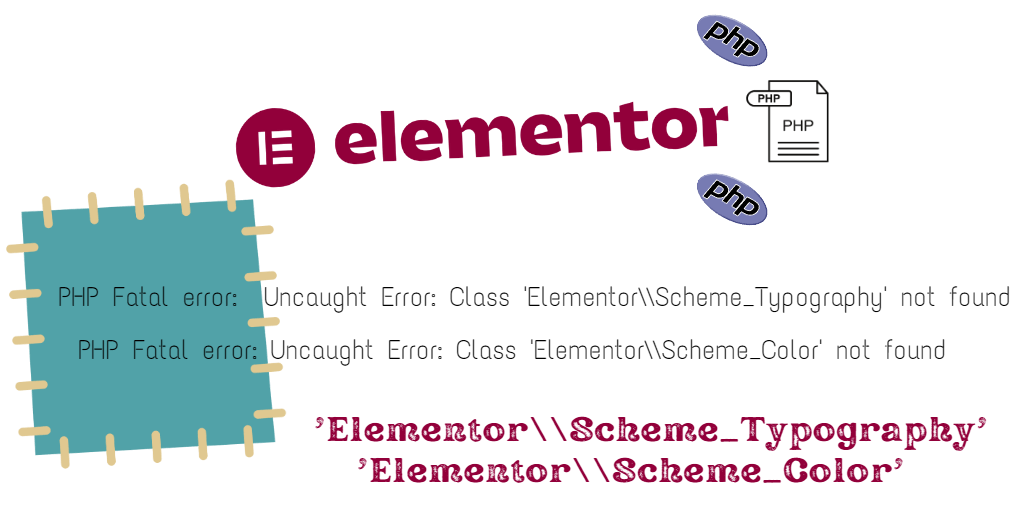
If you have an old Elementor-based theme and you upgraded elementor recently, you may notice an error like the one below : PHP Fatal error: Uncaught Error: Class 'Elementor\\Scheme_Typography' not found PHP Fatal error: Uncaught Error: Class 'Elementor\\Scheme_Color' not found
The above errors occurred because Scheme_Typography and Scheme_Color have been deprecated since elementor version 3.6.0.
How to fix the elementor Scheme errors :
This is not a straightforward fix. You need to get into code, and if you do not have experience, you should consider hiring a WordPress developer, to do the job.
STEP 1: You have to first, download the plugin or theme that’s causing the error. Then, you have to do a folder search for the following: Scheme_Color:: And Scheme_Typography:: to find out a list of all instances of the code that is causing the error.
STEP 2: You should replace all references of Scheme_Color with \Elementor\Core\Schemes\Color and Scheme_Typography with \Elementor\Core\Schemes\Typography.
Here are two examples given below.
/*** Example 1  ***/

//Old Code
//'type' => Scheme_Color::get_type(),
//'value' => Scheme_Color::COLOR_1,

// New Code
'type' => \Elementor\Core\Schemes\Color::get_type(),
'value' => \Elementor\Core\Schemes\Color::COLOR_1,


/*** Example 2 ***/

//Old Code
//'scheme' => Scheme_Typography::TYPOGRAPHY_1,

// New Code
'scheme' => \Elementor\Core\Schemes\Typography::TYPOGRAPHY_1,





hicham
Thank you so Muchhhhhhhhhhh bro 😉
Maaz Ali
above solution didn’t worked for me. following url has the fix you are looking for:
https://developers.elementor.com/docs/deprecations/complex-example/
Wielsma
Great! I’ve been looking for the updated Scheme references and this was just what I needed.